There's a specific kind of silence that follows a bad launch. You spent weeks building a course or a template, hit publish, shared the link everywhere you could think of — and nothing happened.
That silence isn't random. It almost always traces back to one of three things: nobody was asked if they wanted this before it was built, the platform ate too much of the revenue to make it worth continuing, or there was never a system moving strangers toward a sale in the first place.
This guide walks through all three, in order: how to validate an idea before you spend a single hour building it, how to package and price it once you know it's wanted, and how to turn one sale into a repeatable system.
Validate your idea before you build anything
Why most digital products never sell
Creators rarely fail because they lack skill. They fail because they build something nobody asked for, then discover that on launch day. Validation is the process of collecting evidence — before you build — that people have a problem they both want and are able to pay to solve.
Finding a niche that actually converts
A niche worth building in sits at the intersection of three things: what you genuinely know well, what you can talk about with authority, and what people are already paying to solve. The mistake most first-time creators make is staying too broad. "Fitness" is not a niche. "20-minute workouts for parents who train during naptime" is. Specific beats generic every time, because specific signals "this was made for me."
The pain-scale test
Before pricing anything, rate the problem you're solving on a 1–10 pain scale:
9–10 (urgent): the buyer needs a fix right now. This is a green light to build.
7–8 (significant): solid commercial potential.
1–4 (mild annoyance): people will live with this indefinitely and won't reach for their wallet.
If you can't honestly rate your idea above a 6, it's worth finding a sharper angle before building.
Low-cost ways to check demand before building
Keyword research. Tools like Google Keyword Planner or Ubersuggest can show you whether people are searching for "template," "guide," or "checklist" phrases related to your idea, and roughly how often.
Community research. Reddit threads and Facebook groups in your niche are a goldmine of unprompted complaints. If several people describe the same problem without being asked, that's a strong signal.
Competitor check. Look at what's already selling on platforms like Gumroad, Stan Store, or CreatorStore. A competitor with a healthy stream of reviews isn't a threat — it's proof there's money in the niche.
A 24-hour validation sprint
If you don't have weeks to research, run a fast test instead:
Post the idea. Describe the product in a single post. If you get 10+ saves or DMs asking for it within a day (not just likes), the idea has legs.
Ask three questions. "What problem does this solve for you right now?", "How painful is it?", and "Have you already tried to fix it?" If people have already spent money trying to solve the problem, they're your best early customers.
Presales and MVPs: the strongest proof of all
The clearest signal of demand is someone paying before the product exists. Start with the simplest possible version — a one-page guide, a two-lesson mini-course, a single checklist — so you can measure real interest without spending weeks polishing something that might not sell. Then open a presale page before the product is finished. When people pay in advance, you get both funding and confidence to finish building.
Choose a format and a platform that don't eat your margin
Common digital product formats
You don't have to commit to one format forever — many creators mix several:
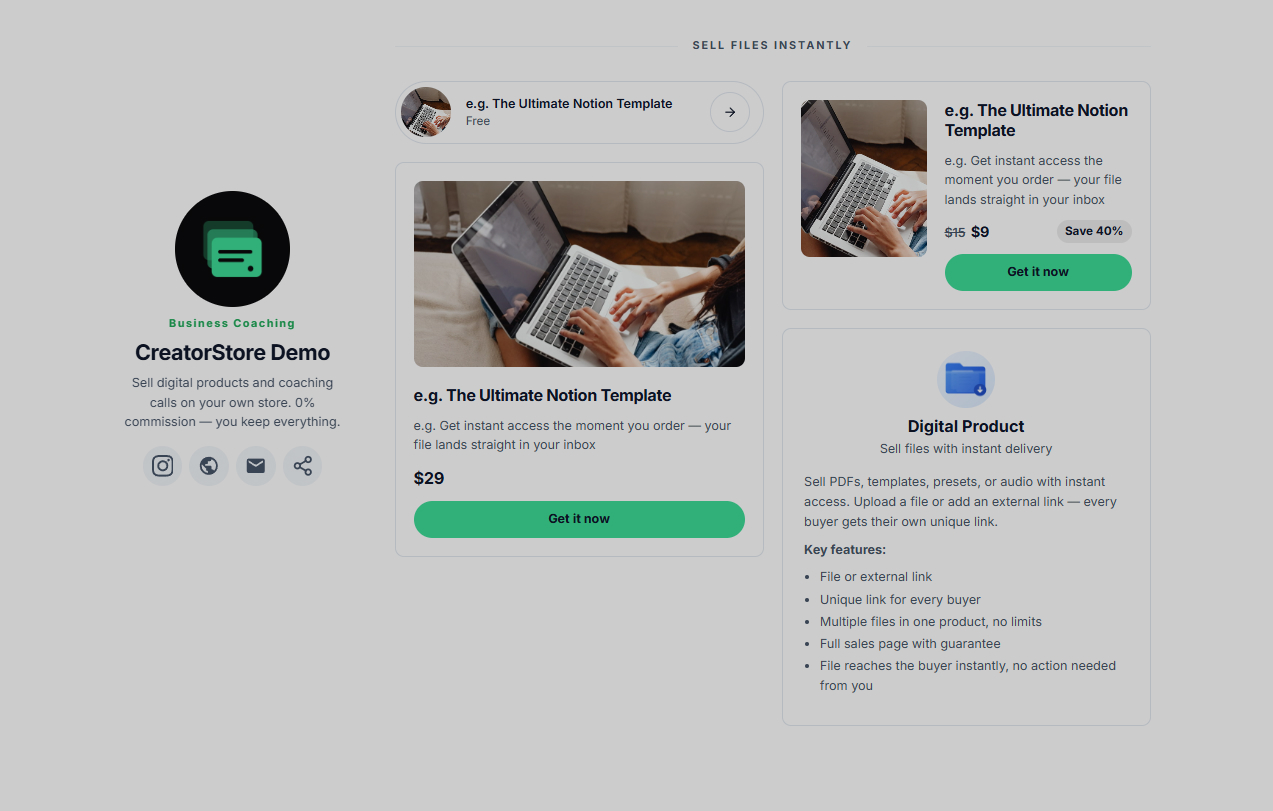
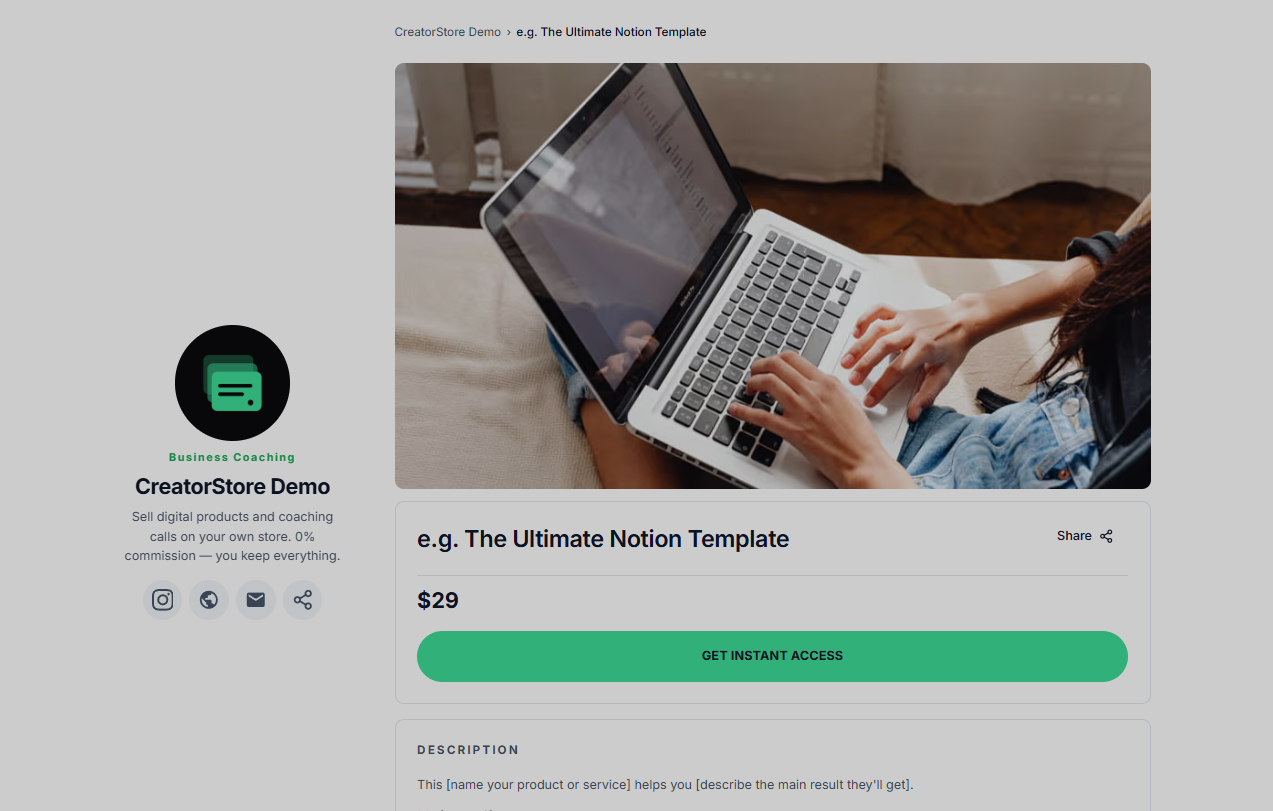
Digital downloads — ebooks, PDF guides, presets, Notion or Canva templates, audio files. The advantage is instant delivery: once payment clears, the buyer gets the download link automatically, day or night.
Custom/done-for-you services — profile audits, design reviews, copy edits, or paid "Ask Me Anything" sessions. This monetizes your expertise on demand.
Bundles — grouping several products together (a guide + templates + checklist) at a combined price. This is one of the simplest ways to raise average order value: buyers see a clear discount, you earn more per transaction.
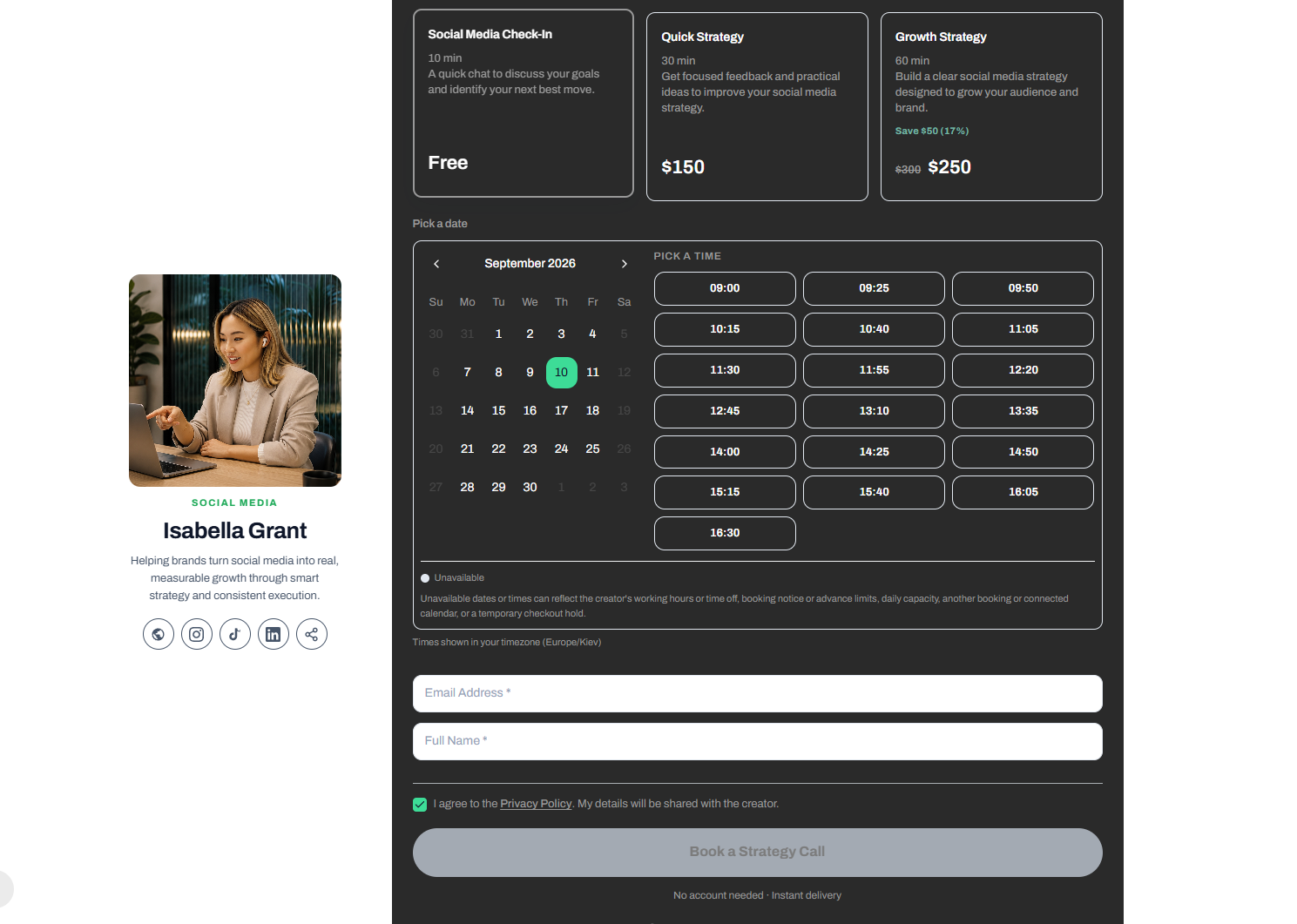
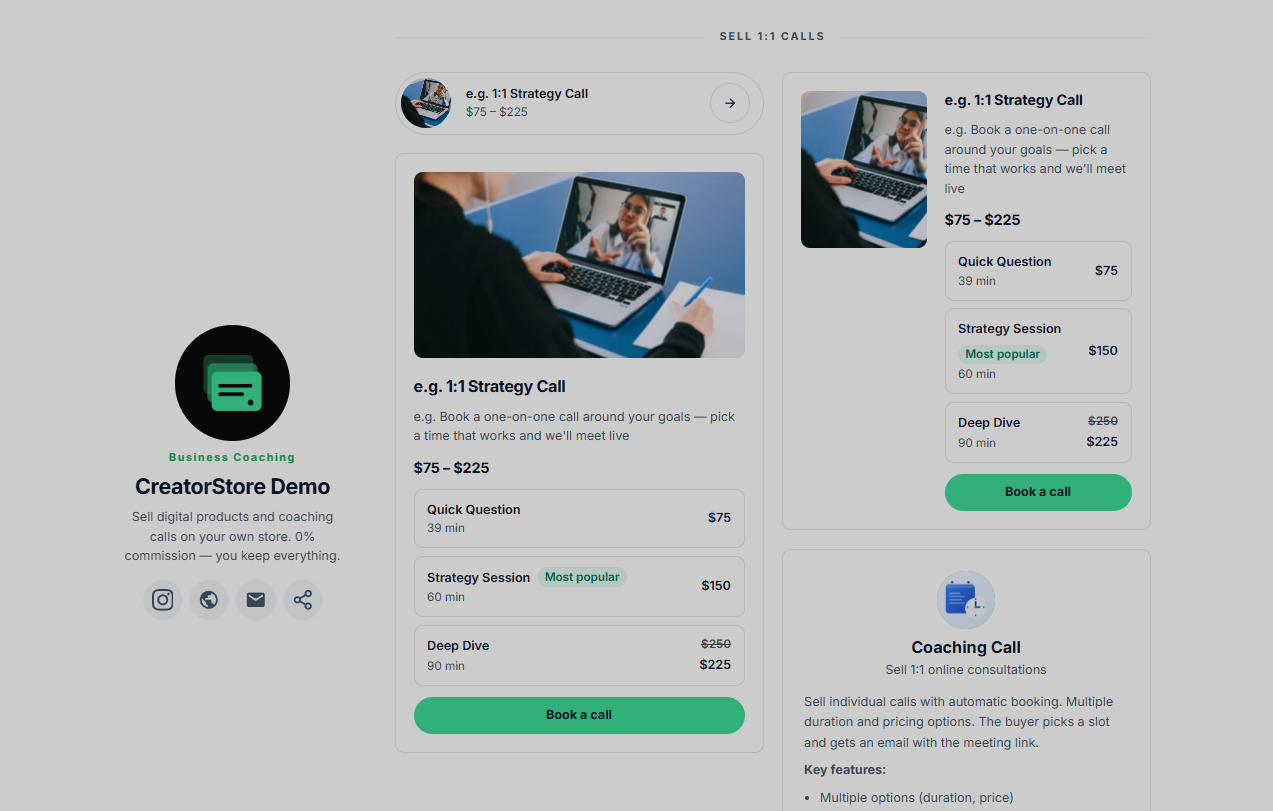
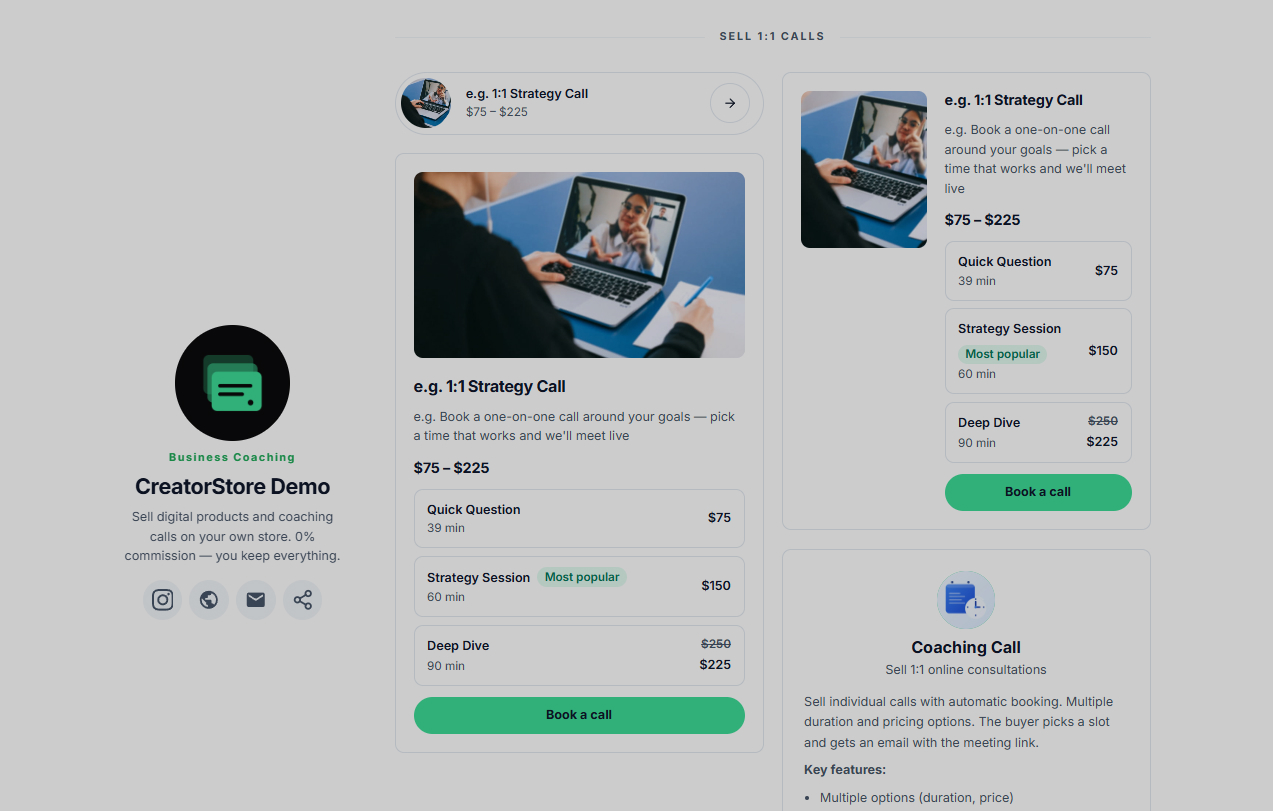
Coaching calls — selling 1:1 time at your highest hourly rate, ideally through a scheduler that syncs with your calendar so buyers can book directly without back-and-forth messaging.
Session packs — selling blocks of sessions upfront for ongoing work like tutoring or coaching, which stabilizes your income and improves client follow-through.
Webinars — live sessions with capped seats. A "live" label creates real urgency and tends to lift conversion.
Why platform fees matter more than they seem to
Most general marketplaces take a cut of every sale — commonly somewhere in the 5–15% range, depending on the platform and plan. On $1,000 of monthly revenue, that can mean handing over $50–150 every month just for the right to use the platform, on top of any subscription fee.
Beyond the direct cost, marketplace-style platforms usually mean:
You don't fully own the customer relationship. The buyer's data often belongs more to the platform than to you, which limits your ability to email your own list.
Limited branding. Your store is a listing inside someone else's catalog, not a site that reflects your brand.
Mobile experience varies. With most purchases now happening on phones, checkout friction on mobile can quietly cost you sales.
This is the gap creator-focused storefronts like CreatorStore are built to close — a 0% commission model, full ownership of your customer email list, a fully branded page on your own domain, and a mobile-optimized checkout that supports Apple Pay and Google Pay.
A simple content-creation toolkit
You don't need to be a designer to produce something that looks professional:
Canva for ebooks, checklists, and visual templates
Notion for interactive planners, databases, and workbooks
Loom for quick walkthrough or webinar recordings
Any AI presentation tool for turning notes into a polished slide deck or PDF
Price it, protect it, and handle the tax paperwork
A five-step pricing framework
Pricing is a signal, not an afterthought — get it wrong and you either scare buyers off or leave money on the table.
Assess the value, not your hours. Price against the outcome for the buyer, not the time you spent making it.
Account for real costs. Factor in payment processing fees, tax tools, and customer acquisition costs, and aim to keep at least 50% as margin after everything is deducted.
Check the market. As a rough guide, ebooks commonly sell in the $16–50 range, templates around $16–40, and online courses from roughly $137–499 — though your specific niche and audience trust level will move these numbers.
Test your price. A/B test where you can. It's common for a higher price like $297 to convert better than $197 for the same offer, because it signals more perceived value.
Offer tiers. A Basic/Pro/VIP structure lets buyers compare your own options against each other instead of shopping around — and tends to lift overall conversion.
For a deeper walkthrough of this framework, see our guide on how to price your first digital product.
A small but reliable lever: prices ending in 9 (e.g., $49 rather than $50) consistently outperform round numbers.
Protecting your intellectual property
Digital products are easy to copy, so legal basics deserve attention early:
Copyright. Your work is automatically protected the moment you create it. For stronger legal standing if you ever need to enforce it, formal registration (in the US, via the Copyright Office, typically in the $45–65 range) is worth considering.
Terms & conditions. A clear terms document — covering refunds and usage rights — heads off most disputes before they start.
Privacy policy. If you collect emails or card data, a policy that reflects frameworks like GDPR (EU) and CalOPPA (California) isn't optional.
Taxes and VAT on global sales
Selling digital products worldwide means tax obligations follow your buyer's location, not just yours:
UK VAT generally applies once your sales to UK customers cross the registration threshold.
EU VAT applies at a much lower threshold for cross-border digital sales, and the One-Stop Shop (OSS) scheme lets you file one return covering all EU countries instead of registering in each separately.
Thresholds and rates change, so confirm current figures with a tax professional or official government resources for each region before you rely on them.
A basic anti-piracy stack
You can't eliminate piracy entirely, but you can make it inconvenient enough that most people won't bother:
PDF stamping — automatically printing the buyer's name and email on every page. People are far less likely to share a file with their own details visible on it.
Signed URLs — download links that expire (e.g., after 24 hours) and cap the number of allowed downloads.
License keys — for software or plugins, keys that can be revoked after a refund or chargeback.
DMCA takedowns — if your product turns up on a pirate site, a takedown notice can usually get it removed without needing a lawyer or a registered copyright.
Turn one sale into a repeatable system
Building a basic sales funnel
A single sale is nice. A system that produces sales without your daily involvement is the actual goal. The core pieces:
A lead magnet — a free resource (checklist, short guide, mini-course) exchanged for an email address. This is the foundation of your future customer list.
A nurture sequence — a short series of automated emails introducing your story, demonstrating expertise, and explaining the paid offer. Sequences that build trust before pitching consistently outperform a single hard-sell email.
A focused sales page — free of unrelated links or navigation, built around a single action: buy.
Instant delivery — the buyer gets access the moment payment clears, whether that's 2pm or 2am.
Increasing average order value
A few proven levers, without needing more traffic:
Order bumps — a small add-on offered right at checkout ("Add the companion workbook for $17"). Often the single easiest way to lift revenue per sale.
Upsells and cross-sells — offering a related, usually pricier product immediately after purchase, when the buyer has already decided to spend.
Cart recovery — an automated reminder email (sometimes with a small incentive) to buyers who started checkout but didn't finish.
Retargeting: bringing back the ones who didn't buy the first time
Most visitors don't purchase on their first visit. Retargeting — showing ads to people who already visited your page but left — via a Facebook Pixel or Google Tag is one of the more reliable ways to recover some of that lost traffic.
Four phases of growth
Phase 1 — first $100: market research and a small first product (MVP). The goal here is learning who your audience is and what they actually need.
Phase 2 — first $1,000: expanding to 5–10 products and building consistent sales through social media and email.
Phase 3 — first $10,000: shifting from "a store" to "a funnel" — picking your best-selling product and building upsells and automation around it, then testing paid traffic once the funnel proves itself organically.
Phase 4 — $100,000+: building a flagship, higher-priced offer, adding an affiliate program where other creators sell on your behalf for a commission, and delegating repeatable tasks.
Where to run all of this
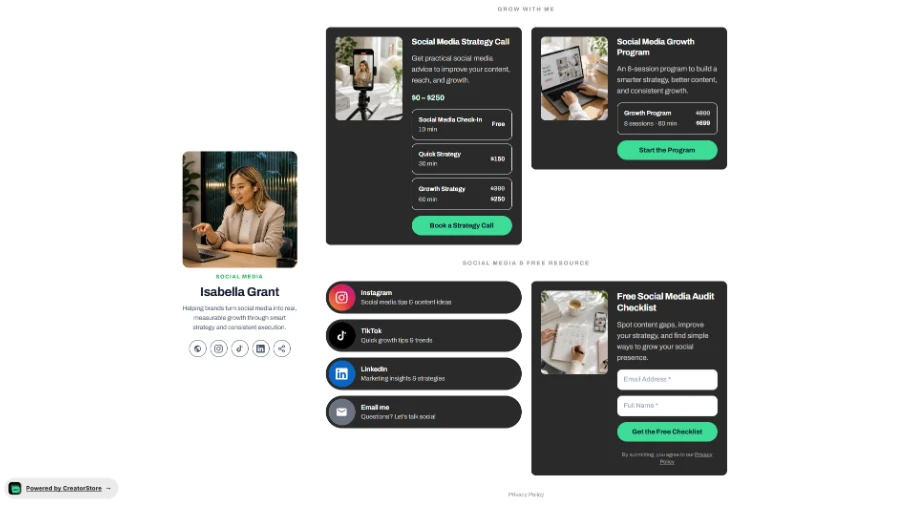
Tools like CreatorStore are built to cover most of this stack — landing pages, a booking scheduler, automated delivery, and basic analytics — under a single subscription with 0% commission on sales, rather than stitching together several separate tools and giving up a percentage of every sale to a marketplace.
Frequently asked questions
What is a digital product?
A digital product is anything sold and delivered electronically instead of shipped physically — ebooks, templates, presets, online courses, coaching calls, and membership content are all common examples. There's no inventory, printing, or shipping involved.
Do I need a website to sell digital products?
Not necessarily a full custom-built site — a hosted storefront like CreatorStore, Gumroad, or similar platforms lets you set up a branded sales page without writing any code. What matters more than the platform is having a page dedicated to the product, rather than relying only on social media posts.
How much does it cost to start selling digital products?
Very little. Many creators start with free or low-cost tools (Canva, Notion, a phone camera for Loom videos) and a storefront subscription. The real cost is usually time spent on validation and creation, not upfront cash.
How do I price my first digital product?
Start by checking what similar products sell for in your niche, then price based on the outcome your buyer gets rather than the hours you spent. Most first digital products land somewhere in the $15–50 range; see the pricing framework above for the full method.
Do I have to charge VAT or sales tax on digital products?
Often yes, depending on where your buyers are located — thresholds and rules vary by country (for example, the EU and UK each apply their own VAT rules to digital sales). Confirm current thresholds with a tax professional before you scale internationally.
What's the best platform to sell digital products in 2026?
It depends on your priorities. If keeping 100% of your revenue matters most, look for platforms with 0% commission, like CreatorStore. If you want built-in audience discovery, a marketplace with more traffic (but higher fees) might make more sense.
How long does it take to launch a digital product?
With a simple MVP — a short guide, a two-lesson mini-course, a single template — many creators go from idea to a live presale page within a few days, especially if validation (see above) has already confirmed demand.
Don't wait for the perfect moment to start. Validate one idea this week, build the simplest version of it, and get a presale page live on CreatorStore. The system above compounds — it just has to start somewhere.