
Explore CreatorStore Features for Bookings, Sales & More
See how the platform brings appointments, paid services, downloadable resources, client contacts, and store tools together. Choose a feature to see what it does, or watch the setup tutorials →
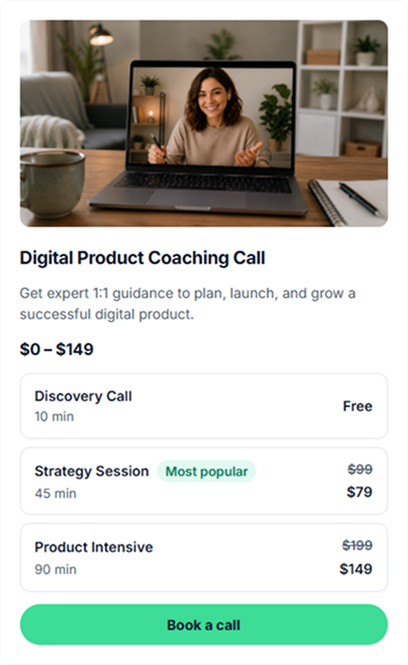
Let clients book a time with you
Offer paid or free 1:1 calls, from business advice and marketing reviews to private lessons. Set your availability and price; clients select an open time and receive the meeting details.
- Set your schedule and session length
- Connect Google Calendar and Google Meet
- Manage upcoming bookings in one place
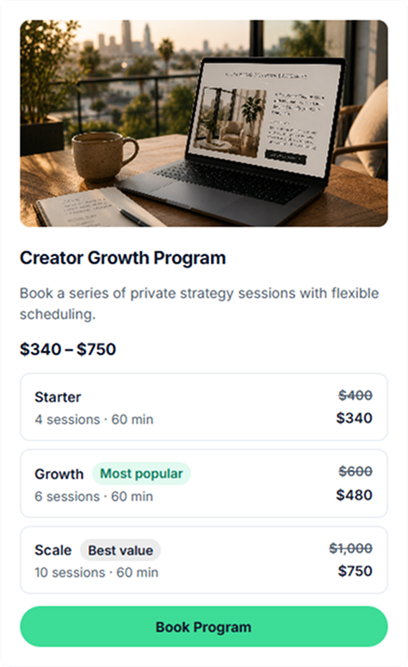
Give clients more than one session
Package several coaching, mentoring, consulting, or tutoring sessions into a single offer. Clients purchase their package and schedule the included meetings over time.
- Set the number of sessions in a package
- Track used and remaining sessions
- Define package pricing and duration
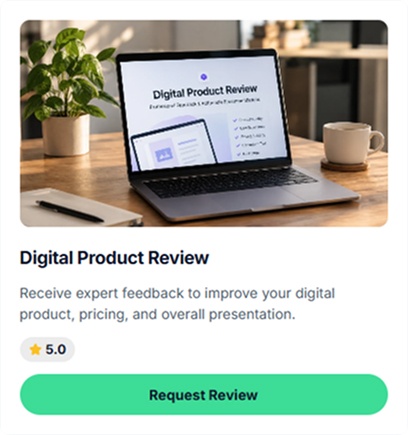
Present clearly defined client services
Turn marketing audits, business reviews, strategy documents, content work, or other deliverables into offers with their own description and price.
- Create a dedicated page for each service
- Describe the scope and expected deliverable
- Set the price and collect customer details
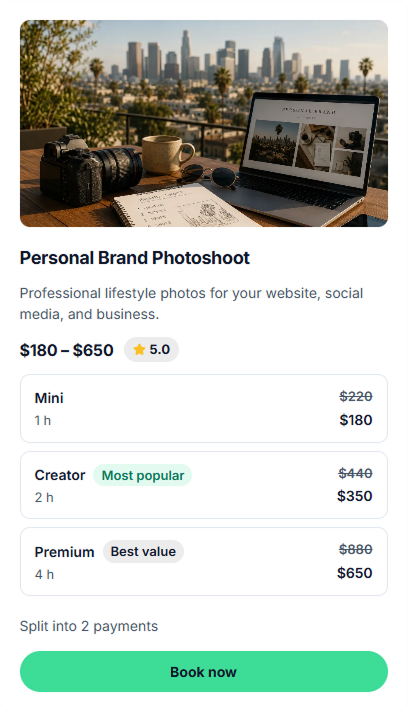
Collect a project brief and payment details
For larger assignments, explain the service scope and let customers provide requirements before the work begins. Where supported, offer a deposit or installment terms.
- Collect client briefs and requirements
- Offer defined service packages
- Configure deposits or installments where available
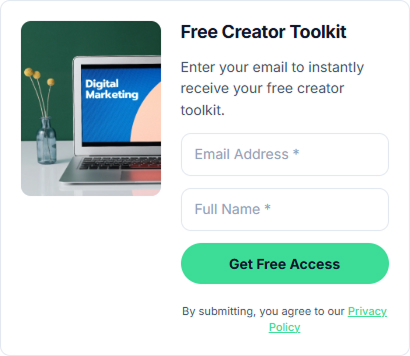
Turn useful resources into new leads
Share a checklist, guide, resource link, or promo code in exchange for an email address. Give interested visitors a useful next step before they are ready to book or buy.
- Offer files, resources, links, or promo codes
- Collect contact details via a form
- Keep captured contacts in your dashboard
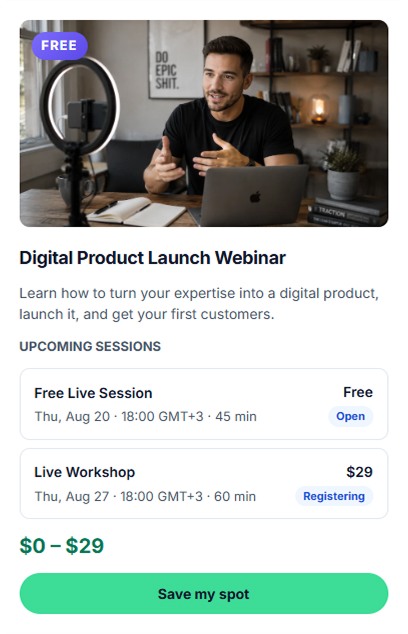
Host workshops, webinars, and group sessions
Publish a free or paid online event, set the time and available seats, and share joining information with registered participants. Useful for training, expert sessions, and live workshops.
- Schedule event dates and seat limits
- Offer free or paid registration
- Share event access details with attendees
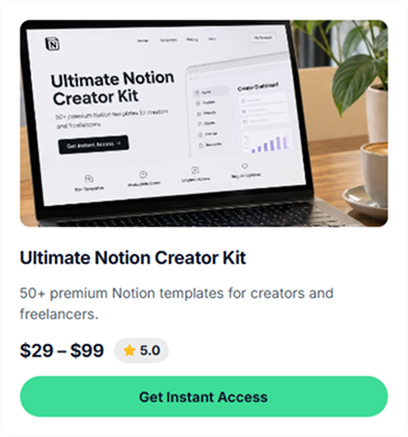
Deliver guides and templates after purchase
Offer downloadable resources alongside your services: PDFs, workbooks, design files, audio, and templates. The buyer can access the file after successful payment.
- Create a dedicated product page
- Upload supported digital files
- Provide access automatically after payment
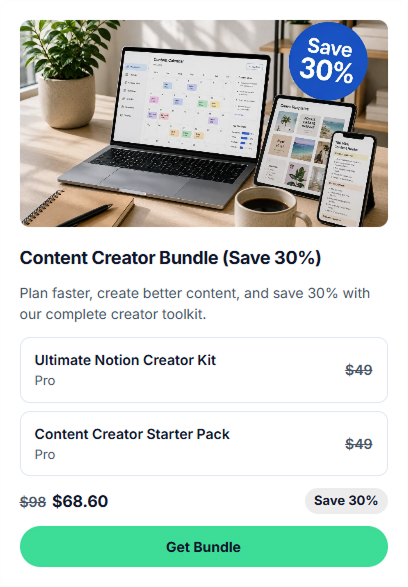
Sell related digital resources together
Combine several existing downloads into one offer — for example, a planning workbook, templates, and checklists — and choose a single bundle price.
- Group related digital products
- Set one bundle price
- Show customers what is included
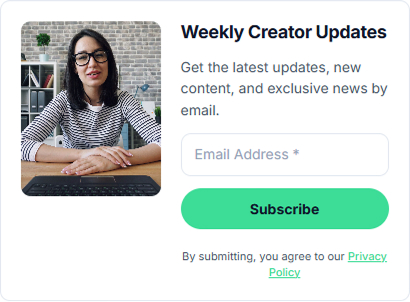
Make newsletter signup simple
Add a signup form to your storefront to gather email addresses from people who want your news, launches, or new resources.
- Display a signup form on your store
- Collect subscriber email addresses
- Find contacts in your account
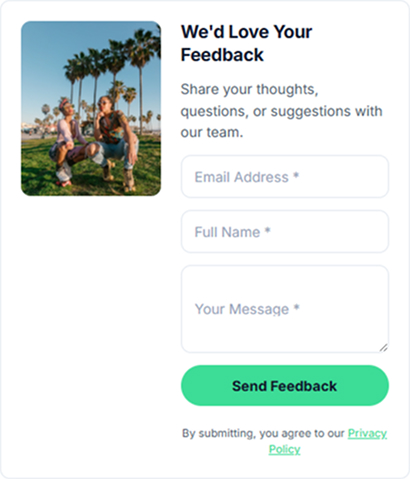
Let visitors ask questions before booking
Give potential customers a way to send an inquiry, describe what they need, or share feedback before they commit to a consultation or service.
- Add a contact or feedback form
- Collect client questions and requests
- Show a confirmation after submission
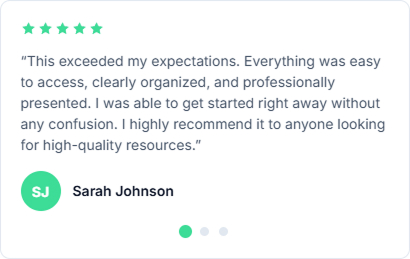
Make previous client feedback visible
Add genuine customer reviews and ratings near your offers so new visitors can understand other customers’ experiences.
- Present client quotes and reviews
- Display supported rating information
- Choose a suitable presentation layout
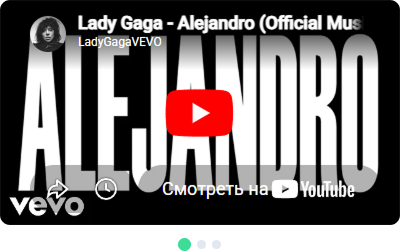
Show the work behind your offers
Use a carousel for videos, images, links, and selected social content. Illustrate your expertise without sending visitors away from the page.
- Add video, image, and link cards
- Embed supported social content
- Use a layout suited to mobile screens

Give visual work its own space
Display work samples, case-study images, photography, or design projects in a gallery that helps visitors assess what you offer.
- Choose from supported gallery layouts
- Add image captions and descriptions
- Link images to related destinations
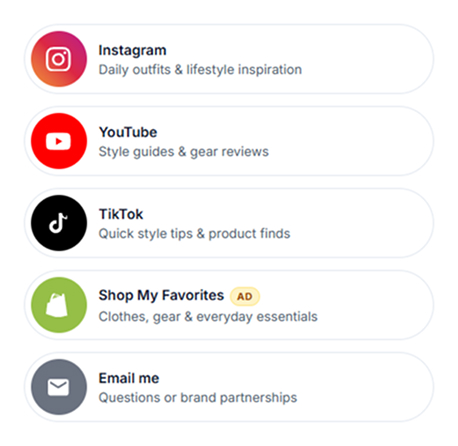
Keep useful links within reach
Bring your social profiles, portfolio, articles, and external resources together in one compact part of your store.
- Add multiple links in one block
- Include supported icons
- Customize link labels and presentation
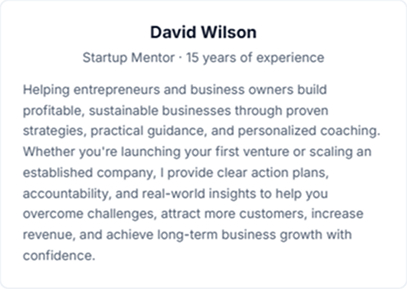
Answer buyer questions on the page
Use text sections to explain how an offer works, publish announcements, or answer questions about scope, scheduling, and delivery.
- Write introductions and offer details
- Display announcements
- Add expandable questions and answers
The Free plan does not include paid offers. Features and payment options depend on your selected plan and provider eligibility. See current plan limits →
Find the tools that fit your workflow
The same CreatorStore platform supports different offers. Explore a profession-specific solution for examples relevant to your work.
Coaches & Mentors
Set up paid sessions, mentorship packages, and resources for clients.
Consultants
Offer strategy calls, audits, advisory work, and structured client deliverables.
Freelancers & Service Providers
Showcase project services, collect briefs, and present pricing options.
Educators & Tutors
Manage bookable lessons, workshop registrations, and learning materials.
Expert Creators & Influencers
Offer templates, digital guides, audience resources, and expert calls.
From an offer to a customer booking
These are connected capabilities, not separate products you have to assemble yourself.
Present the offer
Create the page for a consultation, service, download, or event, with the information clients need.
Let customers choose
Customers choose an available time or purchase an eligible offer using the payment options available to them.
Keep work organized
Follow appointments, purchased products, and submitted details through your CreatorStore account.
The practical tools behind every offer
Use the features above for the offer itself; these platform tools help you run the store, coordinate customers, and measure results.
0% platform commission
CreatorStore does not add a platform commission to your sales. Your connected payment provider may charge its own processing fees.
Calendar-aware bookings
Use Google Calendar availability for supported session types so clients can choose from the times you make available.
Payment options & eligibility
Payment methods and fees depend on your provider, country and account eligibility. Confirm that payment collection is active before sharing a paid checkout link.
One business dashboard
Manage offers, appointments, customer information, and available sales data without splitting your routine across separate pages.
Your own domain
Eligible plans let you use your existing domain as the public address of your branded store.
Page-level SEO settings
Edit page titles, descriptions, and social previews for supported pages and products. These controls do not guarantee rankings.
Store analytics
Review available information about visits, orders, and revenue, then adjust your offers based on what people actually use.
Responsive storefront pages
Give visitors a store they can browse from a phone, tablet, or desktop — including offer pages and booking entry points.
Questions about CreatorStore features
How the tools fit together, what the Free plan includes, and where to find more detailed information.
Can I offer consultations and digital products in the same store?
What is available on the Free plan?
Can my clients book appointments using my availability?
Do all features require the same subscription?
How are payments handled?
Choose the tools you need — in one store
Start with the offer you want to publish, then add bookings, content, and contact collection as your business grows.
✓ 0% platform commission · ✓ Booking and sales tools · ✓ Plan-dependent features