If you've built something useful in Notion — a project tracker, a planner, a client management system — you can turn it into a product other people pay for. The mechanics aren't complicated: you package a page (or a set of pages) so someone else can duplicate it into their own workspace, you put a price on it, and you deliver it the moment someone buys.
What actually determines whether it sells isn't the platform you pick or how many features you cram in. It's whether the template solves a specific problem well enough that someone would rather pay for it than build it themselves.
Everything below walks through that process — from validating the idea to improving the template after your first sales.
1. Start with a template that solves a specific problem
The templates that sell aren't usually the most elaborate ones. They're the ones built around a single, clearly defined use case.
"A productivity system" is too broad to be a product — it's a category, not a template. "A weekly content planner for freelance video editors juggling three clients" is specific enough that someone searching for exactly that will recognize it immediately.
A useful way to find that specificity: think about a workflow you've already solved for yourself, out of necessity, not as an exercise. If you built a system to track freelance invoices because you were tired of losing track of who owed you what, that's a stronger starting point than a generic "finance tracker" built to have something to sell.
Before you invest real time polishing it, it's worth checking whether the problem you're solving is one other people actually recognize — not by guessing, but by looking at what's already out there. Browse existing template marketplaces and see what's being sold in your general category, read the questions people ask in Notion communities, or notice what people request in your own audience if you have one. You're not trying to copy anything — you're checking that the problem is real before you spend hours refining the solution.
2. Prepare your Notion template for someone else to use
A template that makes perfect sense to you can be confusing to a stranger opening it for the first time. Before you sell it, go through it as if you'd never seen it before.
Remove anything personal or private. Real client names, your own financial figures, personal notes left over from when you built it for yourself — all of it needs to come out and be replaced with placeholder or example data.
Make the navigation obvious. A buyer shouldn't have to guess where to start. If your template has multiple pages or sub-pages, a simple landing page at the top — "Start here," with a short explanation of what each section does — saves people from getting lost.
Add instructions where they're genuinely needed. Not every button needs an explanation, but anything non-obvious — a formula, a linked database, or a customized view — deserves a short note. This can live directly in the template or as a separate short guide.
Test it as a buyer would. Duplicate your own template into a blank workspace and try to use it with zero prior context. This is usually where you notice the things you'd otherwise miss.
3. Create the Notion template and duplicate link correctly
The mechanism that makes template selling possible is Notion's ability to let one page, with everything nested inside it, be copied into someone else's workspace with a single click.
To set this up:
Open the page you want to share and click Share in the top-right corner.
Open the Publish tab and select Publish to generate a public link.
Turn on Duplicate as template.
Once that's enabled, anyone with the link can click Duplicate, choose a destination workspace, and get their own private copy — complete with sub-pages, databases, and embedded content.
Before treating the link as final:
Test the duplication yourself, ideally from a different account.
Check that everything needed by the buyer is included inside the page being duplicated.
Decide whether to use a standard published link or an auto-duplicate link.
Think about how you'll handle future template updates and whether existing buyers should receive the updated version automatically.
4. Decide where you'll sell the template
There isn't one universally correct answer. It depends on how much control you want, whether you already have an audience, and how much you're willing to trade discovery for ownership.
Notion Marketplace
Notion's own Marketplace puts your template in front of people who are already using Notion and actively looking for templates.
The tradeoff is simple: you get built-in discovery, but you're selling within Notion's ecosystem and according to its rules.
Third-party marketplaces
Platforms built for digital products or Notion templates can provide their own audience and built-in checkout.
The tradeoff is usually similar: some discovery traffic in exchange for transaction fees and less control over the buying experience.
Your own storefront
Your own storefront means you're not relying entirely on marketplace discovery. You bring your own audience through social media, email, SEO, partnerships, or other channels.
You typically keep more control over the customer relationship and buying experience, but you're also responsible for generating traffic.
Many sellers use more than one channel: a marketplace for discovery and their own storefront for direct sales.
5. Build a product page that explains the outcome
Wherever you sell, the product page needs to answer a few questions quickly.
Include:
A specific title — make it immediately clear what the template is and who it's for.
Screenshots or a preview — show the actual layout, not just a cover image.
Who it's for — name the specific person or situation.
The problem and outcome — explain what's frustrating without the template and what changes after using it.
What's included — pages, databases, automations, guides, bonus resources, or updates.
FAQ — answer the questions buyers are likely to have before purchasing.
The goal isn't to describe every feature. It's to help the right buyer quickly understand why the template is useful to them.
6. Price the template
There's no universal correct price, but a few principles are useful.
Price the outcome, not the hours. A template that took you one weekend to build can still save a buyer several hours every month.
Look at comparable templates in your category. Don't copy competitors' prices blindly, but use them as a sanity check.
Consider tiers if they make sense. You might offer:
A basic version.
A more complete version with additional pages or features.
A premium version with a walkthrough, setup help, or bonus resources.
Treat your initial price as a starting point rather than a permanent decision. You can adjust it as you learn how buyers use the product and what they value most.
7. Set up delivery and test the purchase flow
Delivery should be simple:
The buyer pays → receives the duplicate link → copies the template into their Notion workspace.
Before launching, go through the entire process yourself as if you were a customer.
Test:
The checkout process.
Payment confirmation.
Product delivery.
The duplicate link.
The template inside a blank Notion workspace.
This is one of the fastest ways to catch broken links, confusing steps, or delivery problems before real customers encounter them.
8. Launch and promote the template
You don't need a large following to launch. But you do need to tell people the product exists.
Start with your existing audience
Even a small audience can be enough for your first sales.
You can use:
Social media posts.
Stories.
Email.
Communities where you're already active.
Show the template in use
Content demonstrating how the template solves a problem is often more convincing than simply announcing that a new template is available.
Instead of:
"I just launched my new Notion template."
Show:
"Here's how I use this template to manage content for three clients without losing track of deadlines."
The second approach immediately gives people a reason to care.
Use relevant communities carefully
Notion communities, subreddits, forums, and Discord servers can help you reach relevant people.
But simply dropping a link usually doesn't work well. Participate in the community and share something genuinely useful.
9. Learn from buyers and improve the product
Your first buyers are also a source of valuable product feedback.
Pay attention to:
Questions buyers repeatedly ask.
Steps that confuse people.
Features people don't use.
Features or improvements people request.
If multiple people ask the same question, the answer probably belongs in your FAQ — or better yet, directly inside the template.
The same applies to friction. If one buyer gets confused during setup, other buyers may experience the same problem without ever telling you.
Selling Notion templates directly with CreatorStore
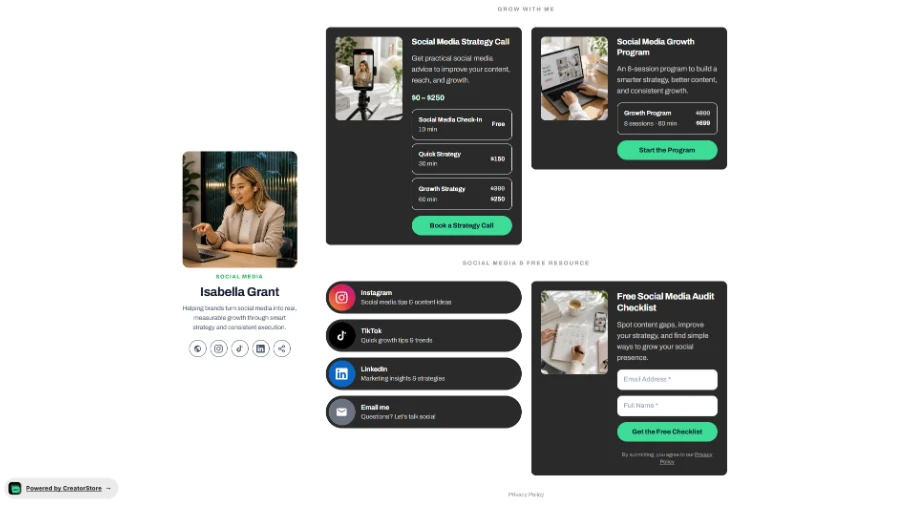
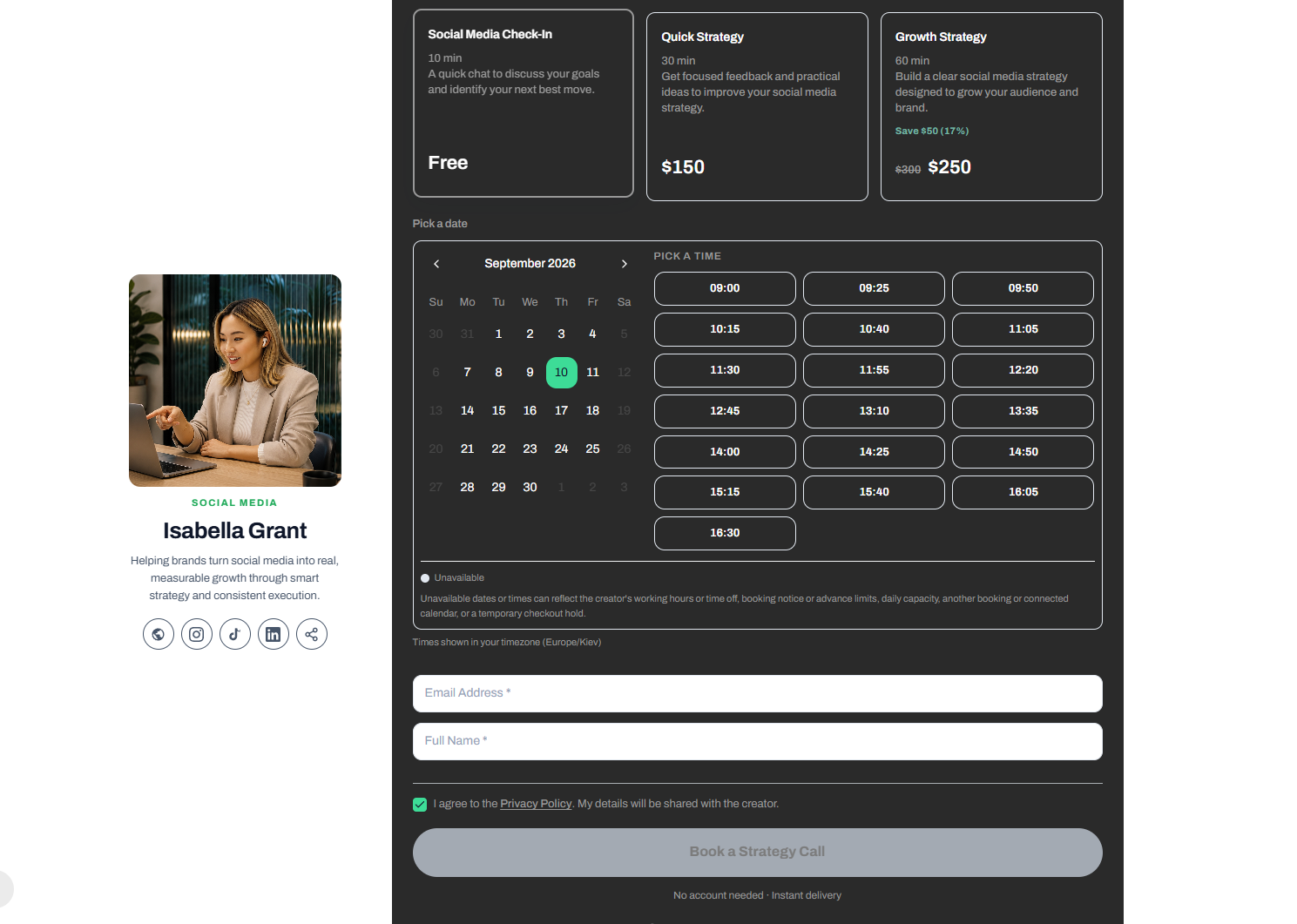
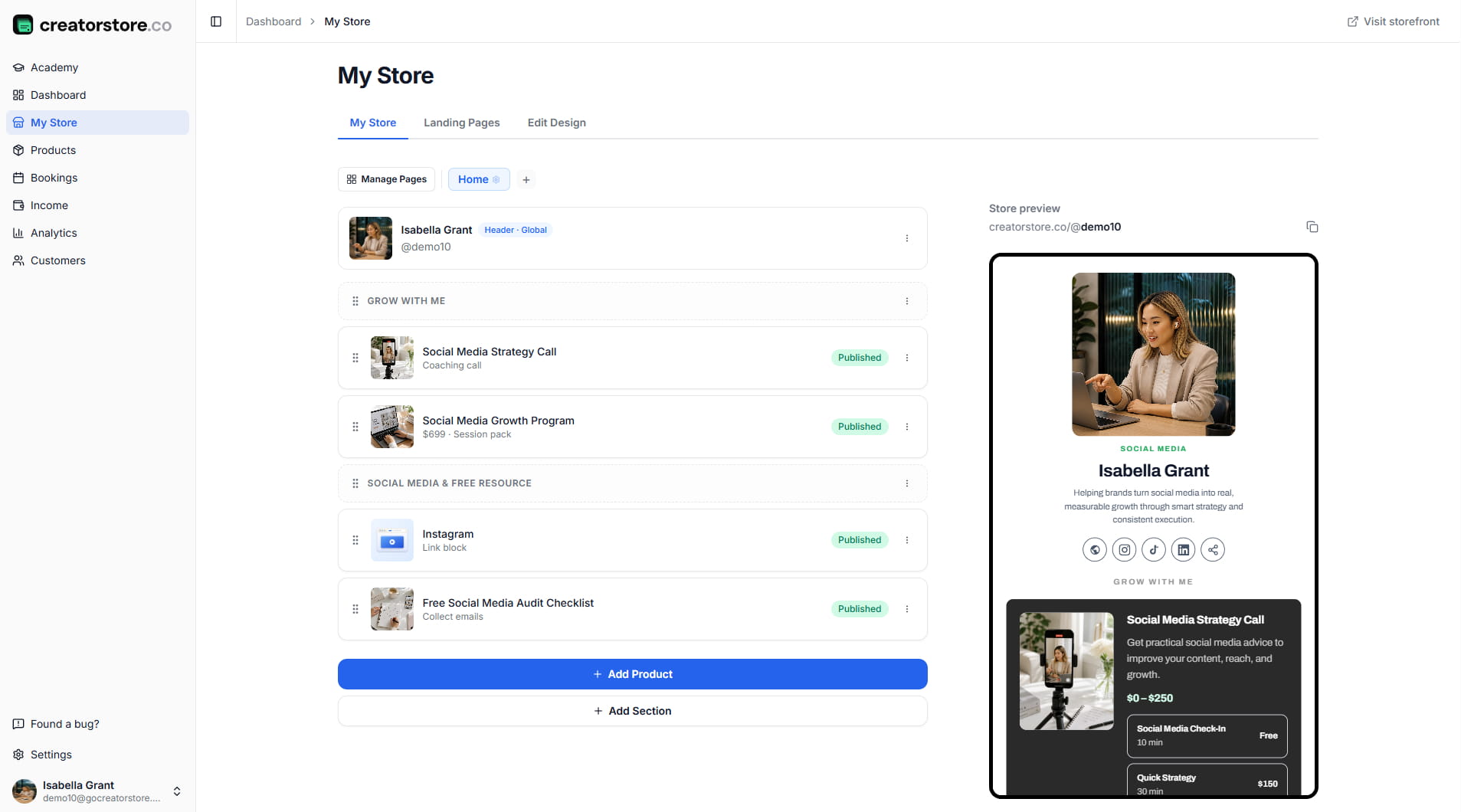
If you want a storefront you fully control rather than relying only on marketplace discovery, CreatorStore lets you sell a Notion template using the same duplicate-link approach.
You can create a product page, accept payments, and deliver the Notion duplicate link to the buyer after purchase. CreatorStore also gives you direct access to your customer list instead of relying entirely on a marketplace relationship.
This makes it possible to combine both approaches: use marketplaces for discovery while building your own direct sales channel.
FAQ
Can you sell Notion templates?
Yes. You can sell templates you've created yourself, provided you have the rights to any content, assets, or other materials included in them.
If you're selling through a marketplace or another platform, make sure your listing also follows that platform's current terms.
Do buyers need a paid Notion plan?
Not necessarily. Buyers can generally duplicate and use templates with Notion's free plan.
However, Notion's own account limits and workspace restrictions may apply depending on how the buyer uses their workspace.
Can you sell the same template on multiple platforms?
Generally, yes. However, if you're using a particular marketplace, check its current terms for any restrictions on pricing, promotions, or redirecting buyers to another platform.
How do buyers receive a Notion template?
The buyer receives the duplicate link, clicks it, chooses one of their Notion workspaces, and creates their own copy of the template.
Depending on the platform, the link can be delivered:
Immediately after checkout.
By email.
Or through both methods.
Do you need an audience before selling Notion templates?
No.
An audience can make direct sales easier, but you can also get discovered through marketplaces, search traffic, communities, partnerships, or targeted content.
Many sellers start with whichever distribution channel they already have access to and add more channels as the product grows.