A good Notion template idea almost never starts with “what's popular right now.” It starts with a specific person and a specific problem you already understand — often because you've solved it for yourself.
The ideas below are organized by category to help you find a direction, but the goal isn't to pick one exactly as written. It's to use these as a starting point and narrow it down using something you actually know — your own work, your own workflow, or the audience you already have some understanding of.
What makes a good Notion template idea
Before you scan the list, it helps to know what separates an idea worth building from one that just looks nice.
Useful, not just decorative. A template can look polished and still not solve anything. A useful template should save time, reduce confusion, or replace a workflow that was previously scattered across different tools.
Built for a specific audience and problem, not “everyone.” A planner for “busy people” is vague enough that no one feels like it was made for them. A planner for freelance photographers juggling shoot schedules, client edits, and delivery deadlines is specific enough that the right person recognizes it immediately.
A repeatable workflow, not a one-time task. Templates work best for things people do again and again — tracking, planning, managing — not a single project that happens once.
Something you've actually used or genuinely understand. You don't need to be a professional in a field to build a good template for it, but you do need to understand the workflow well enough to know what actually matters to the person doing it.
An outcome you can explain in one sentence. If you can't describe what someone gets from using it in a single clear sentence, the idea probably needs to be narrowed further.
With that filter in mind, here are more than 50 starting points across common categories.
Productivity & Personal Organization Templates
Weekly Planner
For anyone trying to plan their week around fixed commitments — work hours, family schedules, recurring tasks. Helps them see the whole week at a glance instead of planning day by day in isolation.
Gets stronger when built around a specific rhythm, like a 4-day work week or alternating custody schedule.
Daily Planner
For people who plan better in shorter time blocks than a full week. Helps break a day into time-blocked tasks rather than a flat to-do list.
More useful when it accounts for a specific daily structure — shift workers, parents managing school pickups, or people juggling multiple part-time jobs.
Habit Tracker
For anyone building or breaking a recurring behavior. Helps make progress visible over weeks or months instead of relying on memory.
Becomes more specific — and more useful — when tied to a particular goal, like a tracker built specifically around a sleep-schedule reset or a training block for a race.
Goal Tracker
For people setting quarterly or yearly goals who lose track of progress between check-ins. Helps break a large goal into milestones with a visible path from start to finish.
Works better narrowed to a type of goal — financial targets, creative output, or fitness milestones — rather than a generic all-purpose version.
Personal Dashboard
For someone who wants one place to see their week, tasks, and priorities without opening five different apps. Helps consolidate scattered information into a single view.
Stronger when built around a specific life stage — new parent, recent graduate, or another clearly defined situation — rather than a generic “life OS.”
Project Tracker
For people managing personal projects — home renovations, creative side projects, or a move — that have multiple steps and no built-in system to track them.
Helps keep tasks, deadlines, and notes together instead of scattered across texts and sticky notes.
Reading Tracker
For people who read regularly and want to track what they've read, want to read, and their thoughts on each book.
It becomes more valuable when it includes fields relevant to a specific niche — academic reading with citation notes, for example, or genre fiction with a personal rating system.
Meal Planner
For anyone trying to plan meals ahead of a grocery trip instead of deciding daily.
Helps reduce food waste and last-minute takeout by planning a week at a time. It can be tailored to a specific dietary need, such as batch cooking for a family or meal prepping for one.
Travel Planner
For people planning a multi-destination or multi-week trip with many moving parts.
Helps track flights, accommodations, budgets, and daily plans in one place instead of scattered confirmation emails.
Personal Finance Dashboard
For someone who wants a clear view of income, spending, and savings without a full accounting background.
Works especially well when tailored to a specific financial situation, such as freelance income tracking, debt payoff, or saving for a particular purchase.
Subscription Tracker
For anyone who's lost track of which recurring subscriptions they're paying for.
Helps surface forgotten charges and renewal dates before they become a surprise. It becomes more useful with renewal alerts and a monthly cost total.
Home Management System
For people managing a household — chores, maintenance schedules, and shared responsibilities.
Helps distribute and track recurring home tasks instead of relying on memory or nagging.
Business & Freelance Templates
Freelancer CRM
For freelancers managing more than a couple of active clients at once.
Helps track who owes what, project status, and communication history in one place instead of scattered inboxes.
Client Portal
For freelancers or small agencies who want clients to see project status without a back-and-forth email chain.
Helps reduce “any updates?” messages by giving clients a single place to check progress.
Project Management Dashboard
For small teams or solo freelancers juggling multiple projects with different deadlines.
Helps see everything in progress at once instead of tracking each project separately.
Invoice & Payment Tracker
For freelancers who lose track of which invoices are paid, overdue, or pending.
Helps prevent unpaid invoices from slipping through unnoticed. Recurring-client fields can make it even more useful for people who bill the same clients monthly.
Lead Tracker
For solo business owners or small teams who don't have a full sales team or CRM.
Helps track where each potential client is in the process, from first contact to a closed deal.
Sales Pipeline
For small businesses managing multiple deals at different stages simultaneously.
Helps visualize the whole pipeline instead of tracking each opportunity in isolation.
Client Onboarding System
For service providers who repeat the same onboarding steps with every new client.
Helps standardize a process that's otherwise reinvented — or partially forgotten — each time.
Proposal Tracker
For freelancers or agencies sending multiple proposals and needing to know which are pending, accepted, or need follow-up.
A follow-up date field can help prevent opportunities from being forgotten.
SOP / Internal Wiki
For small business owners who want to document how things are done so the knowledge isn't only in their head.
Helps a team or future hire find answers without asking the owner directly every time.
Meeting Notes System
For teams or freelancers with recurring client or team meetings who want notes and action items in one searchable place.
A useful version can include an action-item view that pulls tasks out of meeting notes.
Business Goal Dashboard
For small business owners tracking quarterly or annual targets across multiple areas — revenue, clients, and content output.
Helps connect day-to-day work to larger goals.
Business Finance Dashboard
For solo business owners who don't want full accounting software but need more than a spreadsheet.
Helps track income, expenses, and profit at a glance.
Content Creator Templates
Content Calendar
For creators publishing across one or more platforms who need to plan ahead instead of posting reactively.
Helps visualize what's going out and when across different formats.
Social Media Planner
For creators managing multiple platforms who need captions, hashtags, and posting schedules organized in one place.
Helps prevent the last-minute scramble to prepare content right before publishing.
YouTube Content Planner
For YouTubers tracking video ideas, scripts, thumbnails, and publishing schedules.
Helps manage the full production pipeline instead of losing track of half-finished video ideas.
Newsletter Planner
For writers running a regular newsletter who need to plan topics and track send dates.
A built-in idea bank can help ensure unused topics aren't lost between issues.
Podcast Production Dashboard
For podcast hosts managing guest outreach, recording schedules, and episode notes.
Helps track everything from the first guest contact to the published episode.
Sponsorship / Brand Deal Tracker
For creators managing multiple brand partnerships at once.
Helps track deliverables, payment status, and deadlines across different sponsors.
A rate history field can also help creators keep a record of what they've charged previously.
Creator CRM
For creators who need to track collaborators, sponsors, and other business relationships.
It works best when focused on a specific relationship type rather than trying to manage everything at once.
Content Repurposing System
For creators turning one piece of content into multiple formats — such as a video into clips or a blog post into social posts.
Helps track what's been repurposed and where.
Idea Bank
For creators who have more ideas than time and need somewhere to capture them before they're forgotten.
Tags by format or platform can make ideas easier to find when it's time to create.
Launch Planner
For creators launching a product, course, or service to their audience.
Helps coordinate content, emails, and promotion around a single launch date.
Portfolio / Case Study System
For creators or freelancers who need to show past work to potential clients or brands.
Helps organize project outcomes into a presentable and consistent format.
Student & Education Templates
Student Dashboard
For students juggling multiple classes, assignments, and deadlines in one semester.
Helps consolidate everything into a single view instead of separate folders and documents.
Assignment Tracker
For students who need to see every assignment's due date and status at a glance.
Helps prevent smaller assignments from getting lost in a syllabus.
Study Planner
For students preparing for exams over several weeks.
Helps break study material into a schedule instead of relying on last-minute cramming.
Exam Revision System
For students in the final stretch before exams who need to track what's been reviewed and what hasn't.
A confidence rating for each topic can help prioritize weak areas.
Class Notes Hub
For students taking notes across multiple classes who want everything organized and searchable.
A consistent note structure can make studying later much easier.
Research Tracker
For students working on a research-heavy assignment or paper.
Helps organize sources, quotes, and citations before they're needed.
Thesis or Dissertation Planner
For graduate students managing a long-form research project over months or years.
Helps break an overwhelming project into chapters, milestones, and advisor meeting notes.
Teacher Lesson Planner
For teachers planning lessons across a term or school year.
Helps organize lesson objectives, materials, and timing in one place.
Career & Professional Templates
Job Application Tracker
For job seekers applying to multiple roles at once.
Helps track application status, follow-up dates, and interview stages instead of losing track across email threads.
Networking CRM
For professionals building relationships for career growth.
Helps track who they've met, what was discussed, and when to follow up.
Career Development Dashboard
For professionals tracking skills, goals, and growth over a year or more.
Helps connect day-to-day work to longer-term career direction.
Interview Preparation System
For job seekers preparing for multiple interviews.
Helps organize company research, practice answers, and post-interview reflections.
Professional Portfolio
For professionals who need to present their work history and accomplishments beyond a standard resume.
Works especially well when tailored to a field where showing previous work matters.
Onboarding Dashboard
For new employees trying to get oriented in a new role.
Helps consolidate first-week information, key contacts, and early tasks in one place.
Continuing Education Tracker
For professionals in fields requiring ongoing certifications or credit hours.
Helps track completed and required hours instead of scrambling before a renewal deadline.
Niche & Specialty Template Ideas
Fitness Coach Client Tracker
For online fitness coaches managing multiple clients' programs and check-ins.
Helps track workout plans, progress notes, and check-in schedules for each client.
Photographer Client Workflow
For photographers managing bookings, shoot details, and delivery timelines.
Helps track a shoot from the initial inquiry through final gallery delivery.
Real Estate CRM
For real estate agents managing leads, listings, and client relationships.
Helps track where each buyer or seller is in the process.
Wedding Planner Dashboard
For people planning their own wedding or professional planners managing client weddings.
Helps track vendors, budgets, timelines, and guest details in one place.
Freelance Designer Project Portal
For freelance designers managing client feedback, revisions, and file delivery.
Helps organize a design project through multiple revision rounds without losing feedback.
Agency Client Dashboard
For small agencies managing multiple clients across a team.
Helps give both the team and the client visibility into project status.
Author or Writer Manuscript Tracker
For writers managing a manuscript through drafting, editing, and submission stages.
Helps track versions, feedback, and submission status.
Event Planning System
For people planning a one-time or recurring event — conferences, community meetups, or fundraisers.
Helps track vendors, schedules, and logistics in one place.
Small Business Inventory Tracker
For small business owners managing physical product stock without full inventory software.
Helps track what's in stock, what's running low, and what needs reordering.
Consultant Engagement Dashboard
For independent consultants managing multiple client engagements simultaneously.
Helps track deliverables, hours, and engagement status across clients.
Note: If your template includes someone else's images, fonts, datasets, or other copyrighted content, purchasing or having access to that material doesn't automatically give you the right to redistribute it inside a template you sell. Check the license of anything you didn't create yourself before including it.
How to Choose Which Notion Template Idea to Build
With so many directions, the harder part isn't finding an idea — it's picking one.
Use this simple filter:
- Which audience do I actually understand?
Not who seems popular, but who you already have real insight into through your work, life, or experience.
- Which recurring problem can I solve?
Templates work best when they support something people do repeatedly.
- Have I personally used or understood this workflow?
You don't need to be an expert, but you should understand what actually matters in the workflow.
- Can I explain the outcome in one sentence?
If the description takes a full paragraph to make sense, the idea may still be too broad.
- Can I make it more specific than a generic planner or dashboard?
Almost every category becomes stronger when it's aimed at a clearly defined audience and use case.
You Picked an Idea — What Next?
Once you have a direction, the next steps are preparing the template so someone else can use it, setting up the Notion duplicate link, deciding where to sell it, pricing it, and launching.
For the full process, read:
How to Sell Notion Templates Online
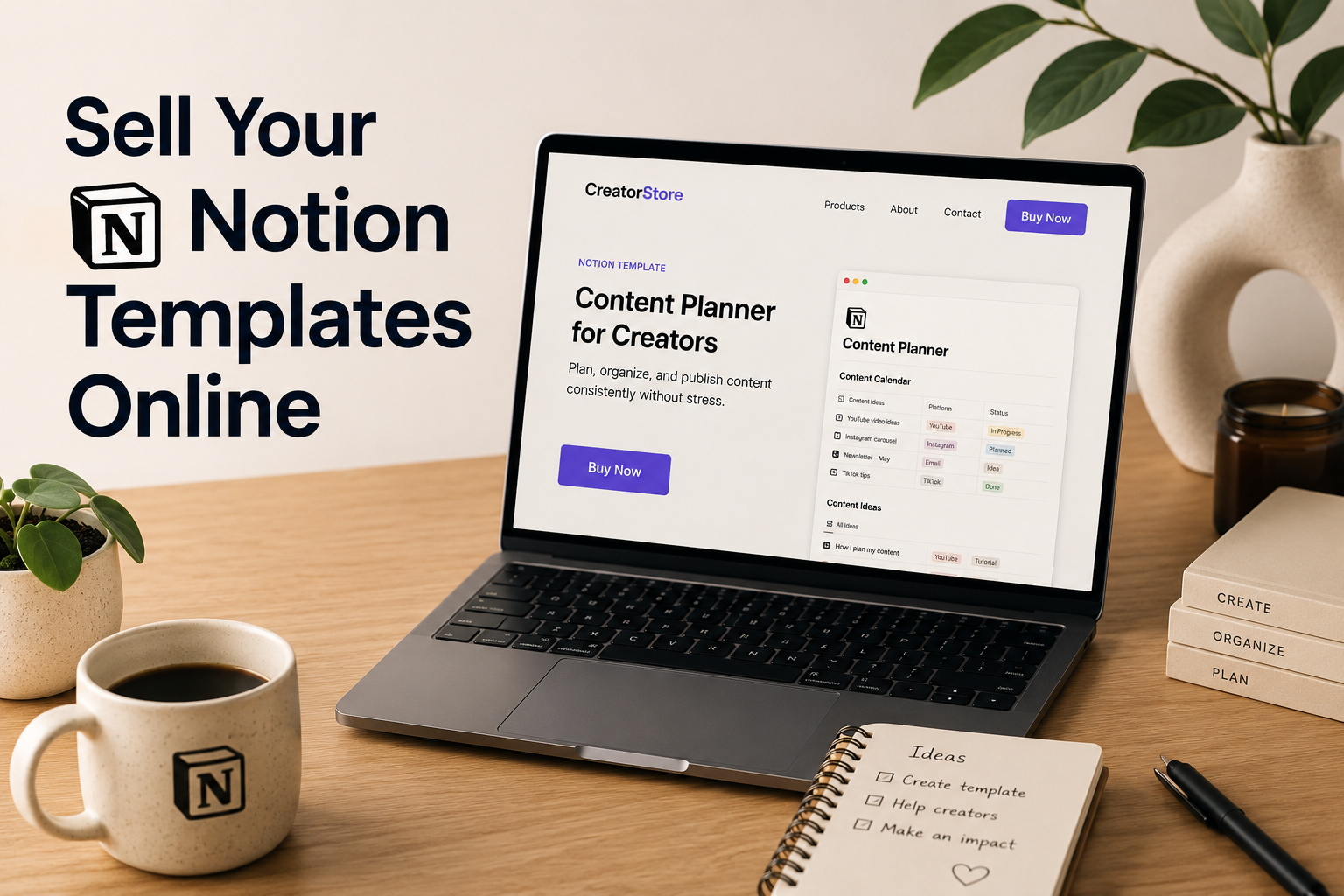
When you're ready to sell, CreatorStore lets you create a storefront for your Notion template, accept payments, and deliver the duplicate link to buyers after purchase.